
Add-Ons
WeaselWorks add-ons are optional plugins that add to WeaselWorks. Install only the ones your team will enjoy: WeaselWorks works perfectly without them, and you can switch an add-on off at any time.

ADD-ON
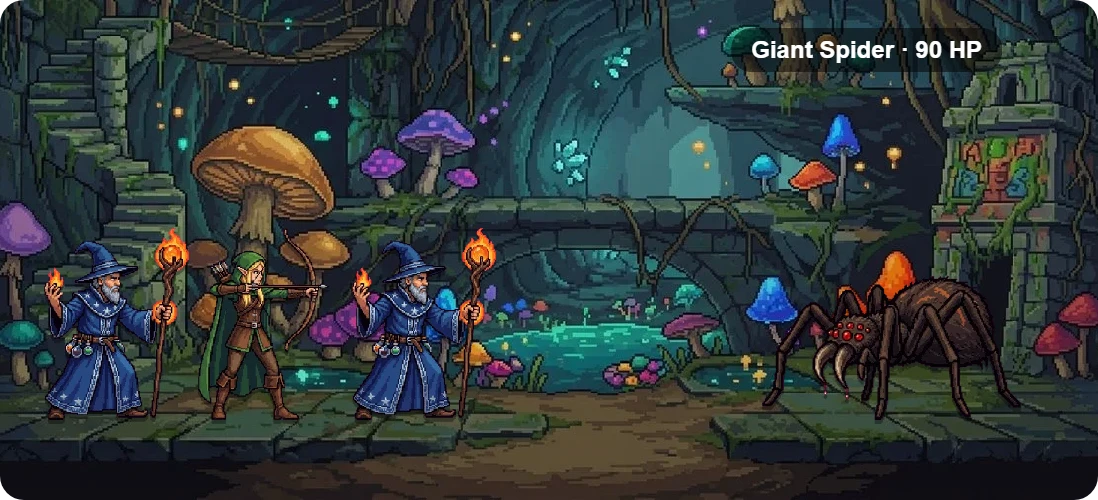
Turn Finished Tasks Into a Team Adventure
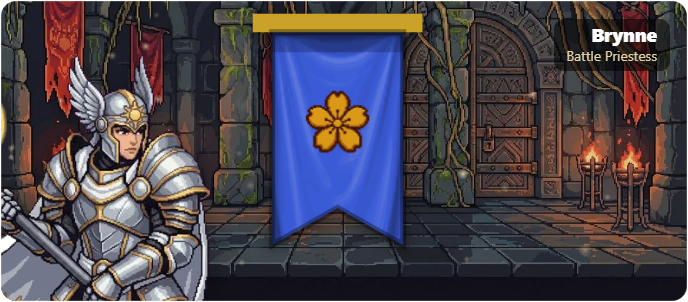
The WeaselWorks Dungeon is an optional add-on that makes getting work done a little more fun. Every task your team completes earns heroes. Each month, the whole team battles through five floors of monsters to face the Dungeon Lord together.
- Heroes for every completed task and subtask
- A new dungeon for each Workspace every month
- A Hall of Fame for the teams that win
- Switch it on or off for each Workspace
Looking for Themes?
Theme Studio is built into WeaselWorks Pro, and theme packs now have their own page. See Themes ›
WeaselWorks Add-Ons:
How They Work
Each add-on is a separate WordPress plugin that plugs into WeaselWorks. You install it like any other plugin: in your WordPress dashboard, go to Plugins › Add New Plugin › Upload Plugin and choose the add-on's zip file. WordPress has a short guide to managing plugins if you're new to it.
- WeaselWorks needs to be installed and active first.
- An add-on's settings appear alongside WeaselWorks in your WordPress dashboard.
- The WeaselWorks Dungeon can be switched on or off for each Workspace.
- Deactivate an add-on at any time, and WeaselWorks keeps working as normal.
New to WeaselWorks? The Get Started guide walks you through setup, and the Support page has quick fixes if anything looks off.